Trending now
Design skills that stop AI pages looking AI-made
Three open source skills teach Claude Code, Codex and Cursor to skip the purple gradients and generic cards. What each one does and how to set it up.
- 3 skills
- Free and open source
- Claude Code, Codex, Cursor
Why everyone’s installing them
Ask a coding agent for a web page and you tend to get the same one: Inter everywhere, a purple-to-blue gradient, a small label over every heading and a row of cards in cards. Design skills are instruction packs you drop into Claude Code, Codex or Cursor that name those habits, ban them and give the agent a way to check its own work.
- They catch the tells. Each one lists the defaults that make a page look generated and flags them before you see the result.
- They pick a direction first. Instead of one safe look, the agent starts from a theme or an art direction that fits the subject.
- They look at the result. Scripts open the page in a real browser, take screenshots and lint it, so the agent fixes what it can see.
The three people use
-
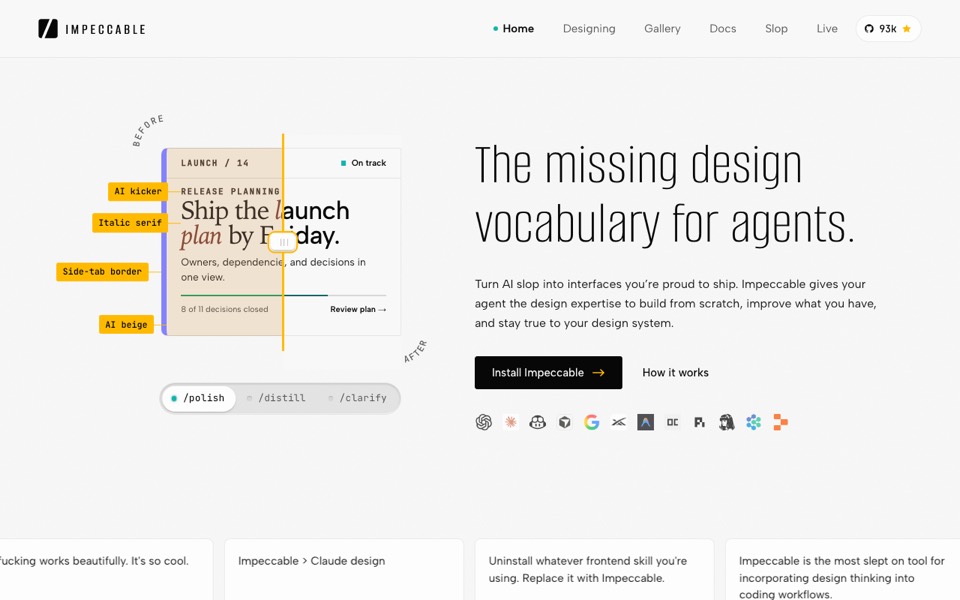 ImpeccableFree
A design vocabulary for agents: commands like polish and bolder to steer, critique and audit to review, and a detector of 62 rules that needs no API key. By Paul Bakaus, Apache 2.0, around 93,000 stars.
pbakaus/impeccable on GitHub
ImpeccableFree
A design vocabulary for agents: commands like polish and bolder to steer, critique and audit to review, and a detector of 62 rules that needs no API key. By Paul Bakaus, Apache 2.0, around 93,000 stars.
pbakaus/impeccable on GitHub
-
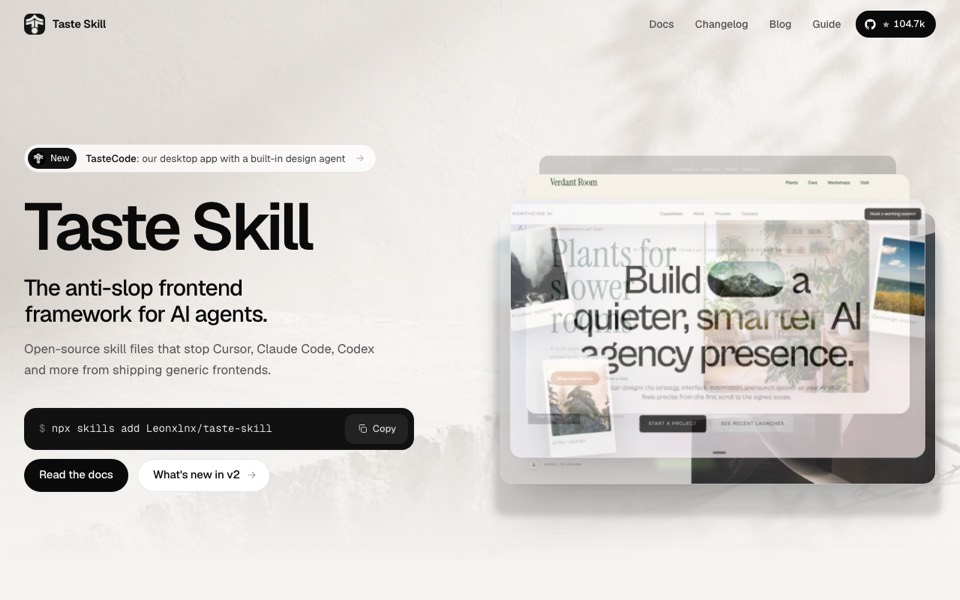 Taste SkillFree
Art direction from a study of 247 award-winning sites: it deals a few directions, you pick one, and it checks the build in a browser. MIT, around 105,000 stars.
Leonxlnx/taste-skill on GitHub
Taste SkillFree
Art direction from a study of 247 award-winning sites: it deals a few directions, you pick one, and it checks the build in a browser. MIT, around 105,000 stars.
Leonxlnx/taste-skill on GitHub
-
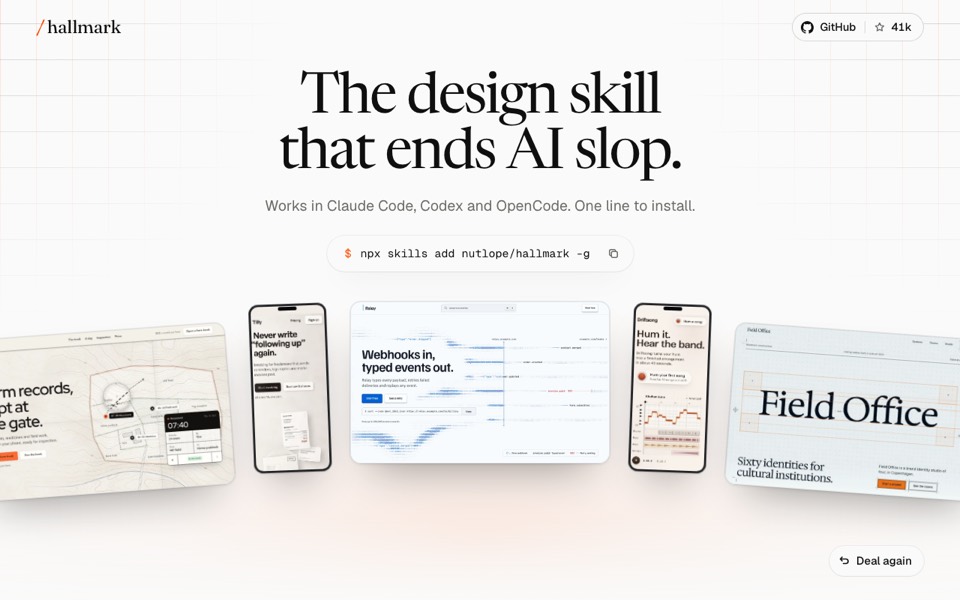 HallmarkFree
From Together AI: fifty themes, a hard floor of rules that never ship, and a browser lint plus a fresh reviewer at the end. Also redesigns or audits an existing page. MIT, around 41,000 stars.
Nutlope/hallmark on GitHub
HallmarkFree
From Together AI: fifty themes, a hard floor of rules that never ship, and a browser lint plus a fresh reviewer at the end. Also redesigns or audits an existing page. MIT, around 41,000 stars.
Nutlope/hallmark on GitHub
Set one up
- Pick one. They overlap and sometimes disagree, so start with a single skill rather than all three.
- Install it in your project. Run its install command from the project folder (or globally), then restart Claude Code, Codex or Cursor.
- Name it in the prompt. Most fire on their own for UI work, but “use hallmark to build…” or “/impeccable critique” makes sure.
- Give it real material. Screenshots, photos and real numbers make more difference than any rule; the skills won’t invent them for you.