Trending now
Clean up your smart TV with an AI agent
People are pointing Claude Code at their TVs over Wi-Fi to switch off ads, tracking and preinstalled apps, then put a quiet home screen in their place.
- Free and open source
- ~15 min on Android TV
- Reversible with one script
What people are doing
Smart TVs ship with home screens full of ads, apps nobody asked for and services that report what you watch. Android TV and Google TV let a computer on the same network talk to the TV over ADB, Android’s debugging bridge, and a coding agent like Claude Code can do that work for you.
- It connects over Wi-Fi. You turn on developer options on the TV, then the agent finds it on your network and asks permission to connect.
- It disables, it doesn’t delete. Telemetry, ad services and preloaded apps are switched off with
pm disable-user; nothing is uninstalled. - It gives you a new home screen. The agent builds and installs a small launcher with only the apps you use.
- It can be undone. Your settings are backed up first, and a restore script switches everything back on.
The tools
-
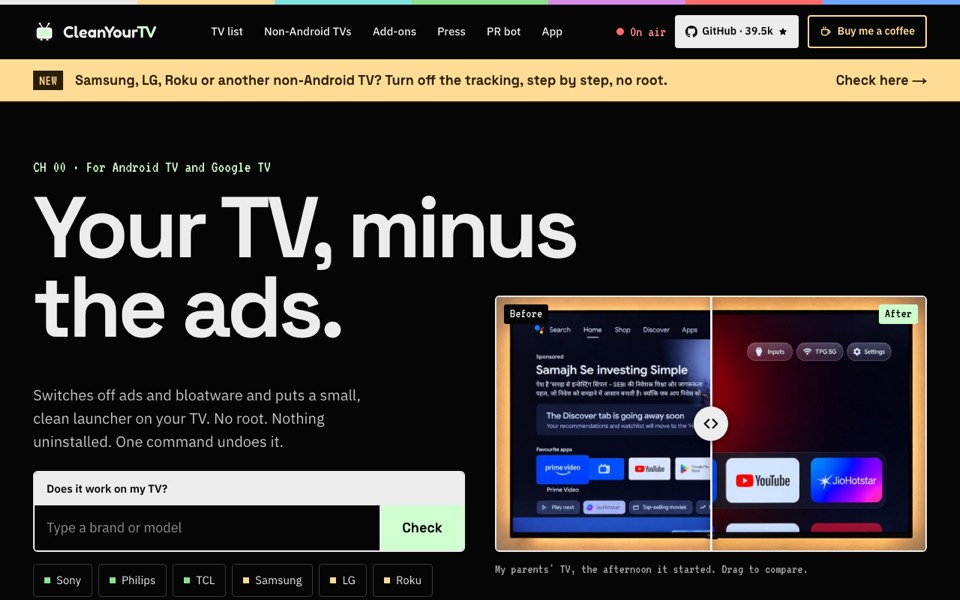 CleanYourTVFree
The project that started it: a prompt you paste into Claude Code (or Codex, Gemini CLI) that debloats Android TV and Google TV and installs a clean launcher. MIT licence, around 40,000 stars on GitHub.
The repo and PROMPT.md
CleanYourTVFree
The project that started it: a prompt you paste into Claude Code (or Codex, Gemini CLI) that debloats Android TV and Google TV and installs a clean launcher. MIT licence, around 40,000 stars on GitHub.
The repo and PROMPT.md
-
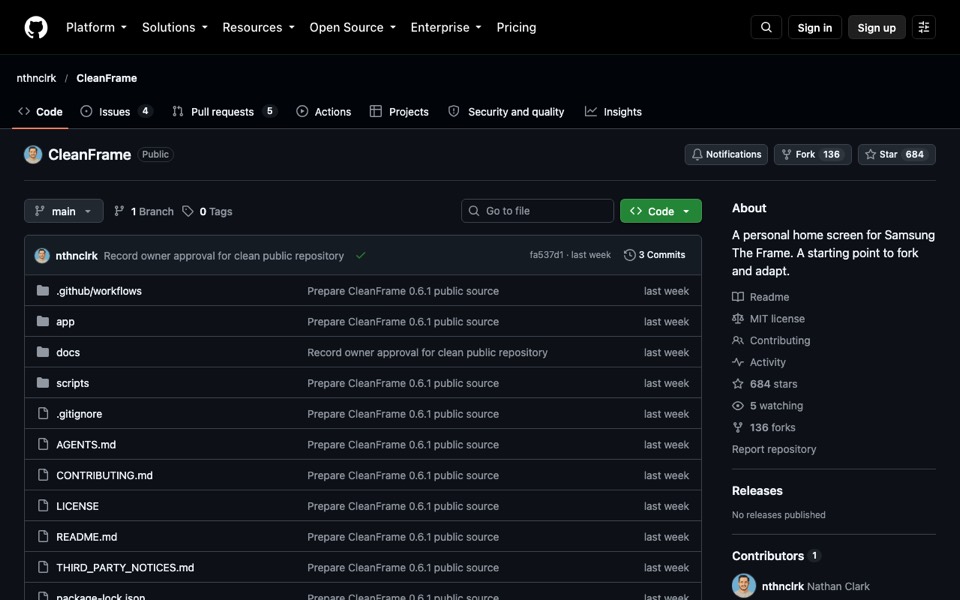 CleanFrameFree
A quieter home screen for Samsung The Frame: your apps, a photo and the time. Built to be set up with a local coding agent and Samsung’s own tools. MIT licence; tested on one Tizen 9 model, so treat others as experiments.
CleanFrameFree
A quieter home screen for Samsung The Frame: your apps, a photo and the time. Built to be set up with a local coding agent and Samsung’s own tools. MIT licence; tested on one Tizen 9 model, so treat others as experiments.
-
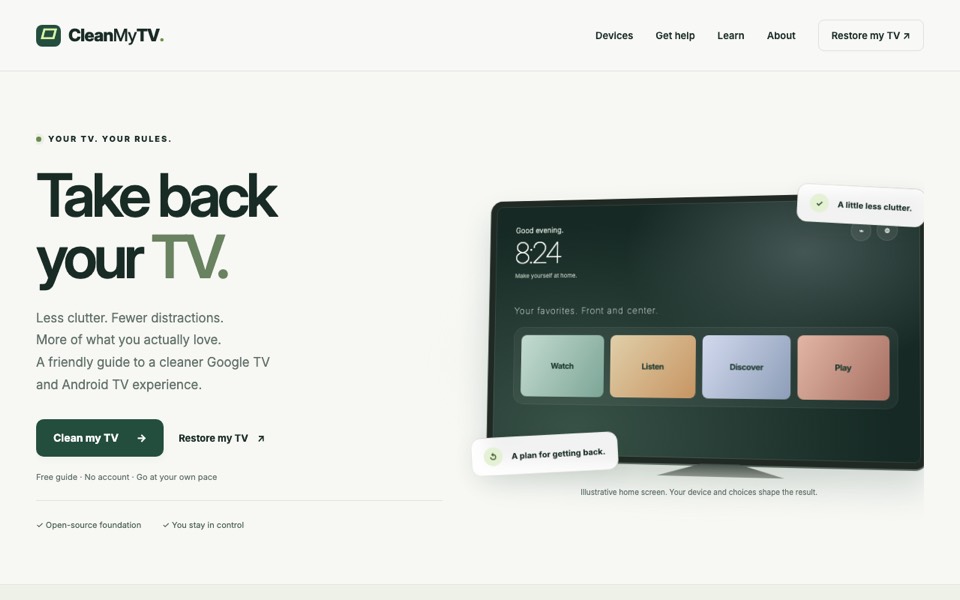 CleanMyTVFree
An independent, friendlier guide to CleanYourTV, with device pages and a “Restore my TV” section. It says itself that it isn’t the official site.
CleanMyTVFree
An independent, friendlier guide to CleanYourTV, with device pages and a “Restore my TV” section. It says itself that it isn’t the official site.
How it goes, on Android TV
- Open developer options. In Settings, find About and press OK on Build seven times, then turn on USB debugging (and network debugging if your TV offers it).
- Hand it to the agent. On a computer on the same Wi-Fi, clone the CleanYourTV repo, open Claude Code in it, paste PROMPT.md and give your TV’s model.
- Allow the connection. Accept “Allow USB debugging?” on the TV.
- Answer its checklist. Say which apps and features you use; the agent disables the rest in small batches and checks each step with a screenshot of the TV.
- Close the door after. Turn developer and network debugging off again when it’s done.
Which TV do you have?
TVWhat you can do
Android TV, Google TV
Sony, TCL, Hisense, Xiaomi, OnePlus, Nvidia Shield…The full clean-up with an agent: debloat, new launcher, restore script.
Sony, TCL, Hisense, Xiaomi, OnePlus, Nvidia Shield…The full clean-up with an agent: debloat, new launcher, restore script.
Amazon Fire TVThe debloat step only; Fire OS keeps its own home screen.
Samsung The FrameCleanFrame for a quieter home screen; switch off tracking in Settings too.
Samsung, LG, Roku, Vizio, Hisense VIDAANo agent needed: turn off the tracking settings below with the remote.
Not Android? Turn these off
These are the settings that share what you watch (often called ACR, automatic content recognition). Menu paths change between model years, and don’t decline the required terms, or the smart apps stop working.
- Samsung
- Viewing Information Services, Interest-Based Advertisements; turn Do not track on.
- LG
- Live Plus, the optional Viewing information agreement; turn Limit AD Tracking on.
- Roku
- Smart TV Experience (Automatic Content Recognition), Personalize ads.
- Vizio
- Viewing Data; turn Limited Ad Tracking on.
- Hisense VIDAA
- Enable Automatic Content Recognition, Personalized Ads.
- Fire TV
- Device Usage Data, Collect App Usage Data, Interest-based Ads.