A new Mac does a lot well out of the box, but a few jobs you do a hundred times a day are slower than they need to be: opening apps, arranging windows, taking a screenshot, finding a menu bar icon. Each of these has a small app that fixes it.
You don’t need all of them. Pick the one that matches what annoys you most, live with it for a week, and add the next.
Open anything from the keyboard
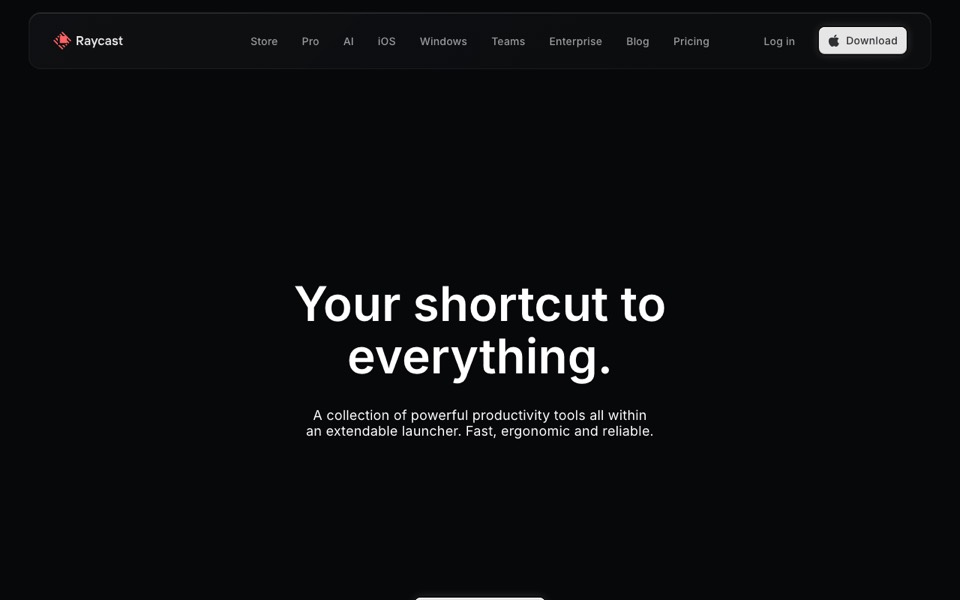
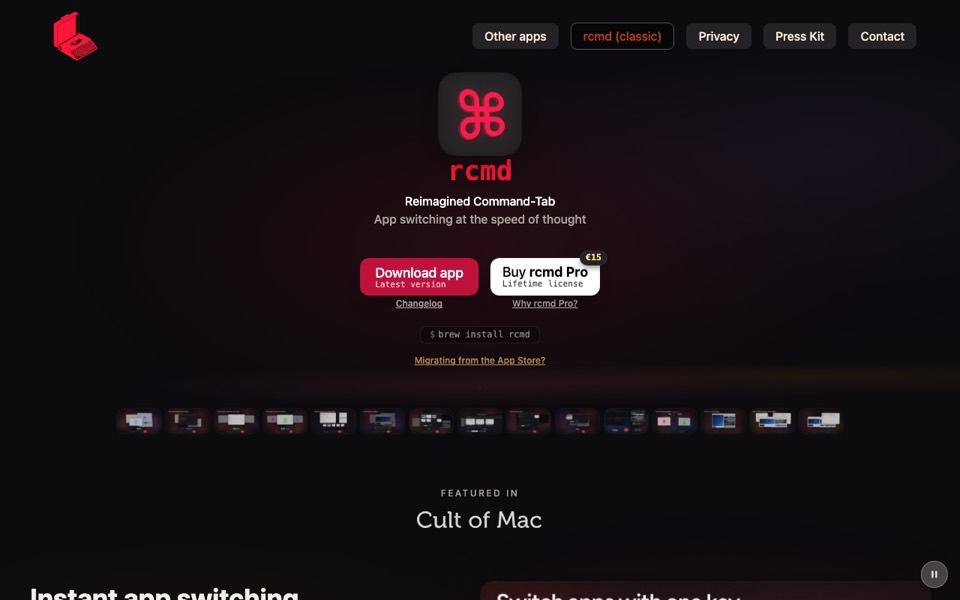
A launcher replaces Spotlight with something faster and more useful: type a few letters to open an app, find a file, do a sum or run a command. Raycast and Alfred are the two most people end up with; rcmd takes a different route and gives each app its own key.




Put windows where you want them
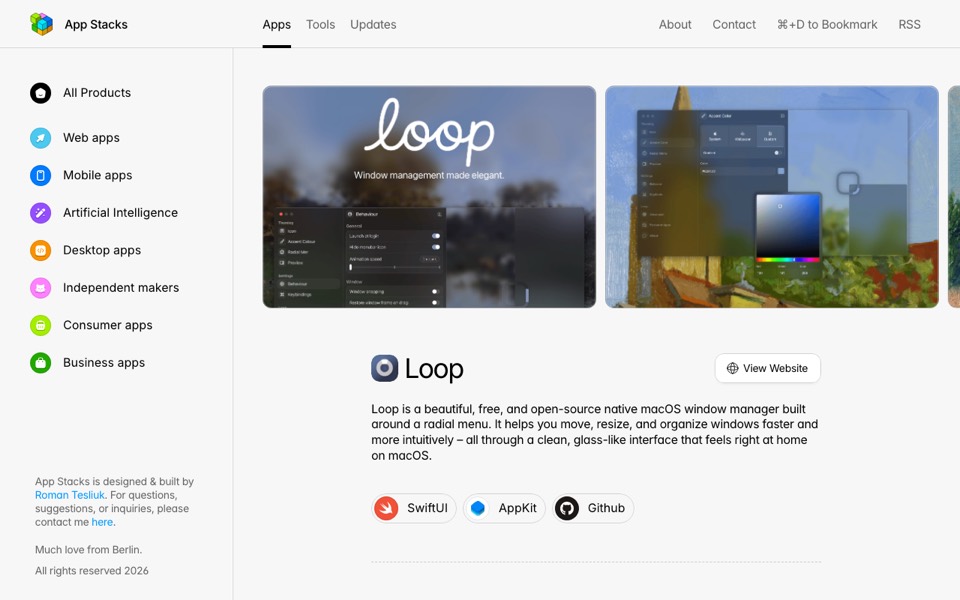
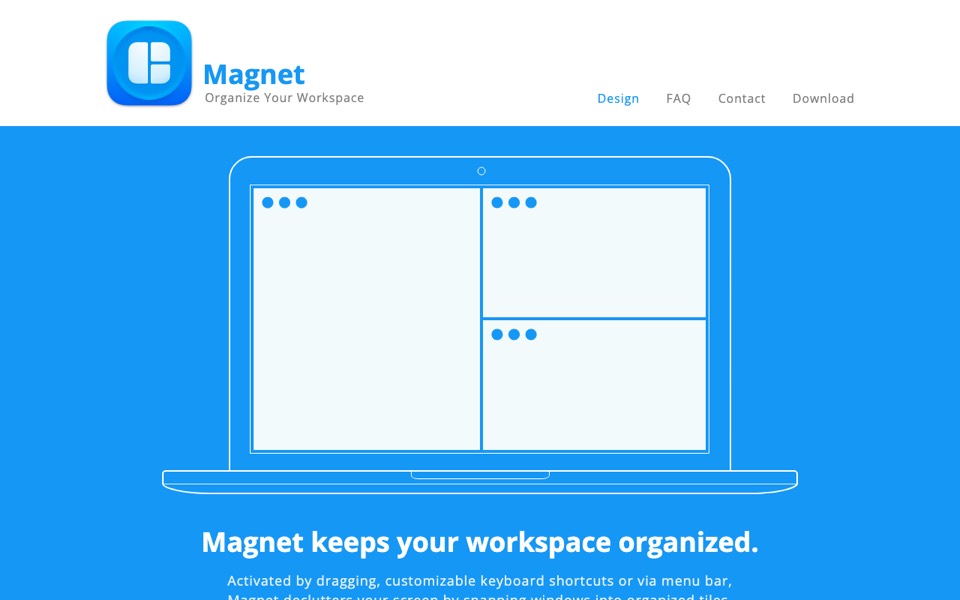
macOS can tile windows now, but a window manager makes it a keystroke or a flick of the mouse. Loop is free and open source; Magnet is a small one-time purchase.


Screenshots worth sharing
If you send screenshots for work, an app that annotates, blurs and captures whole scrolling pages pays for itself quickly. Shottr has a generous free version; CleanShot X adds recordings and cloud links.




A quieter menu bar
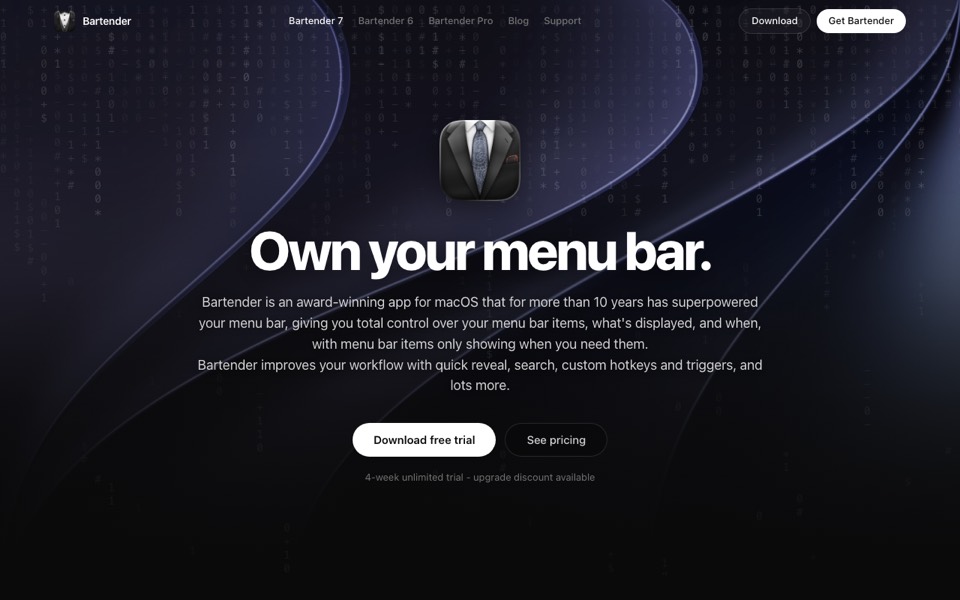
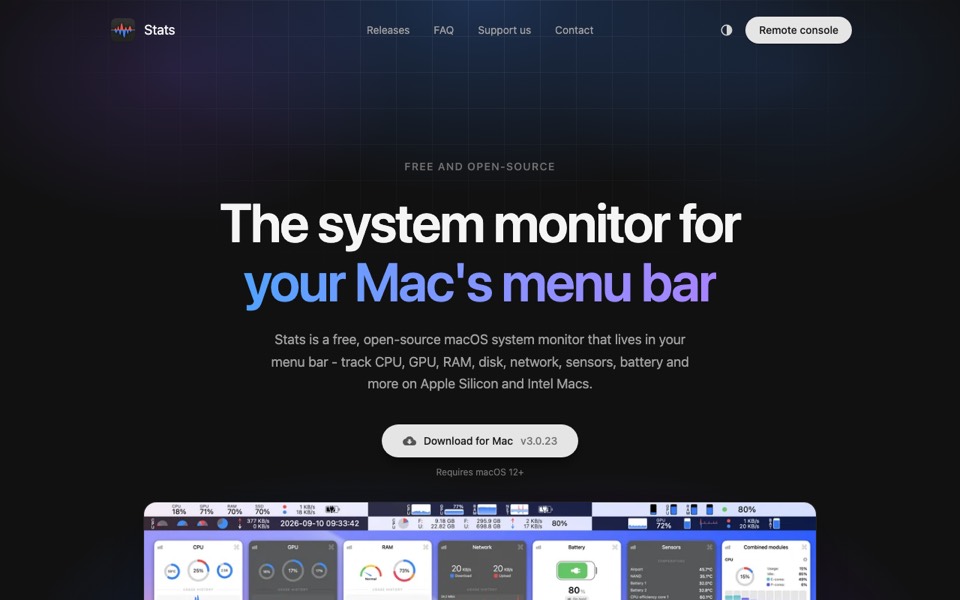
Menu bar icons pile up. Hide the ones you rarely need, and if you like to watch your Mac’s memory and CPU, keep one small monitor up there instead of opening Activity Monitor.



Little helpers
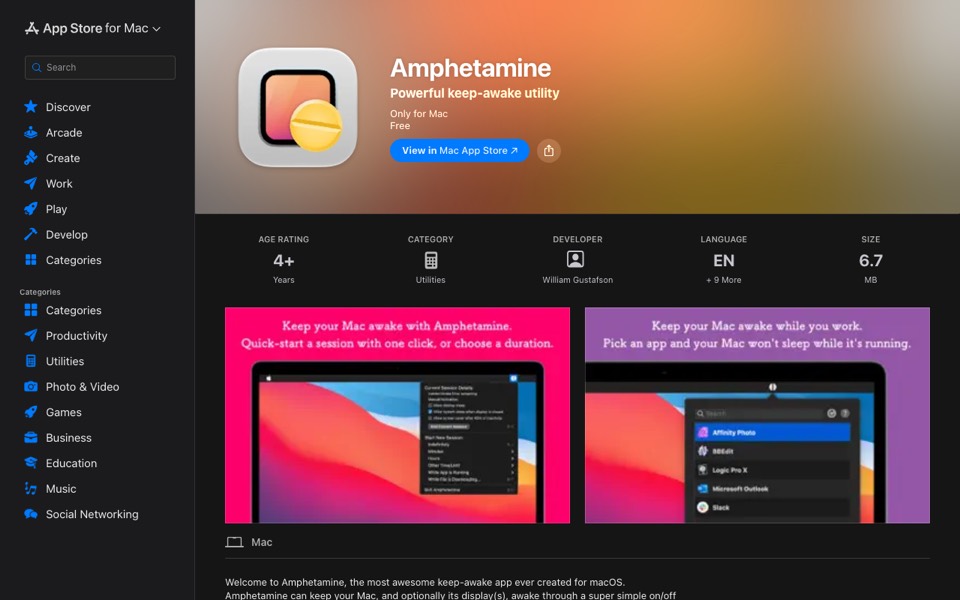
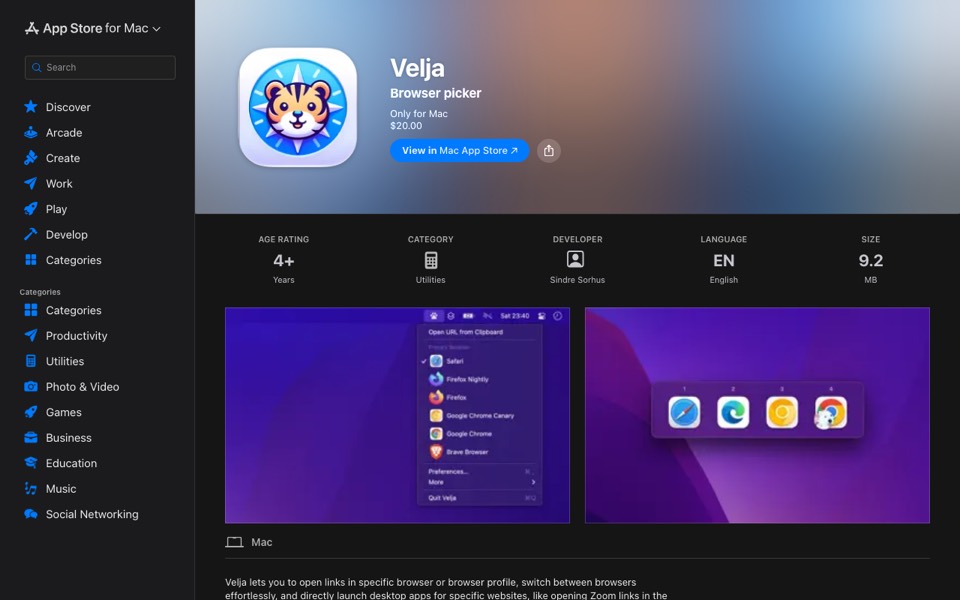
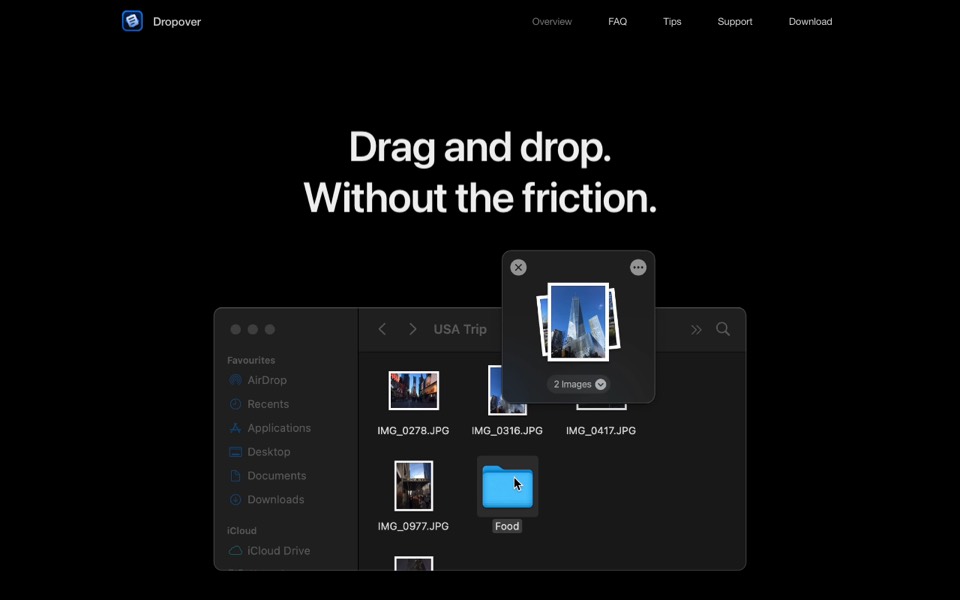
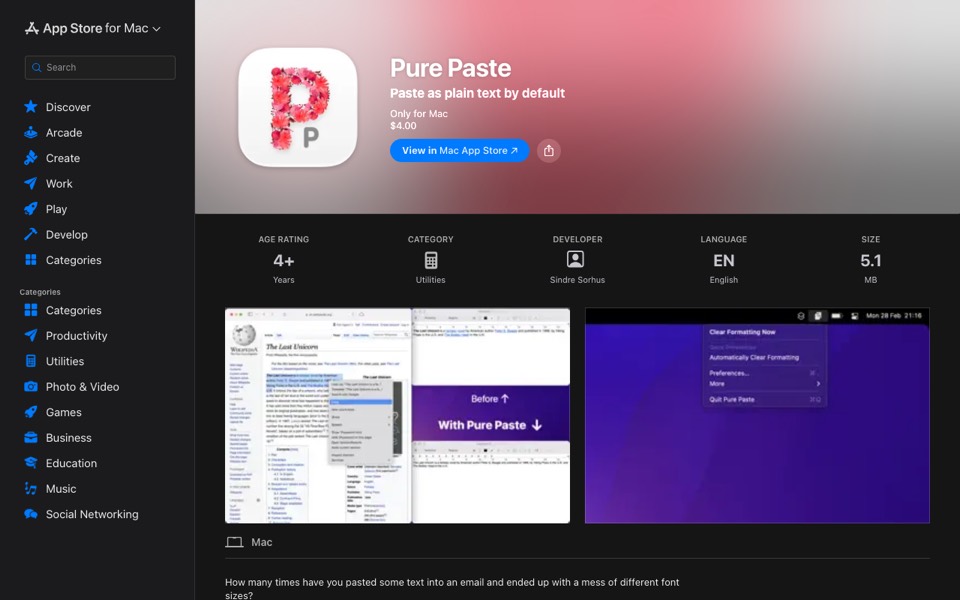
These each do one thing: keep the Mac awake during a long download, choose which browser opens a link, give drag and drop somewhere to land, and paste text without the formatting it was copied with.