Privacy advice often arrives as a wall of things to do. It’s easier as one small change a day, each of which keeps working after you’ve made it.
Day one: a browser that blocks trackers
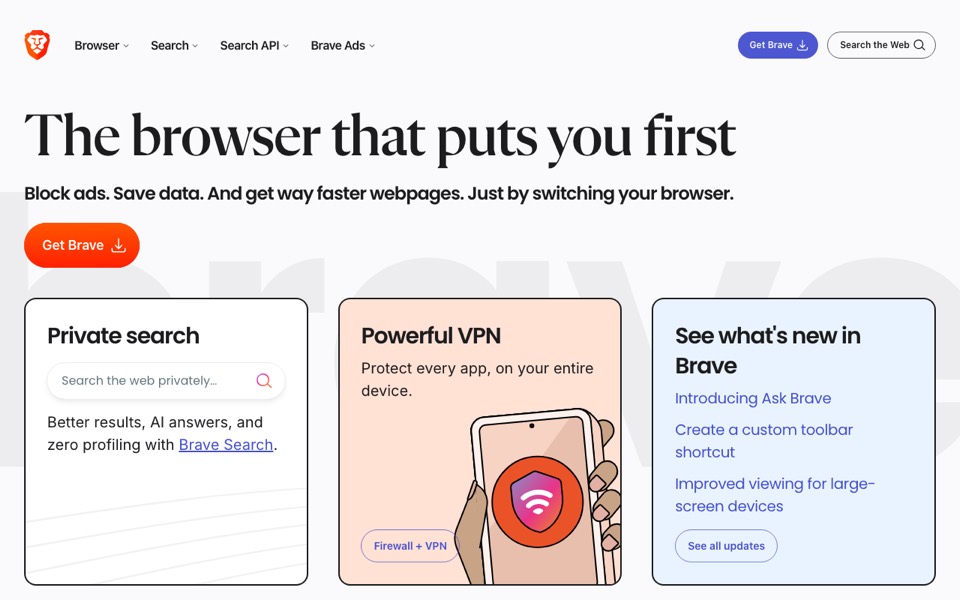
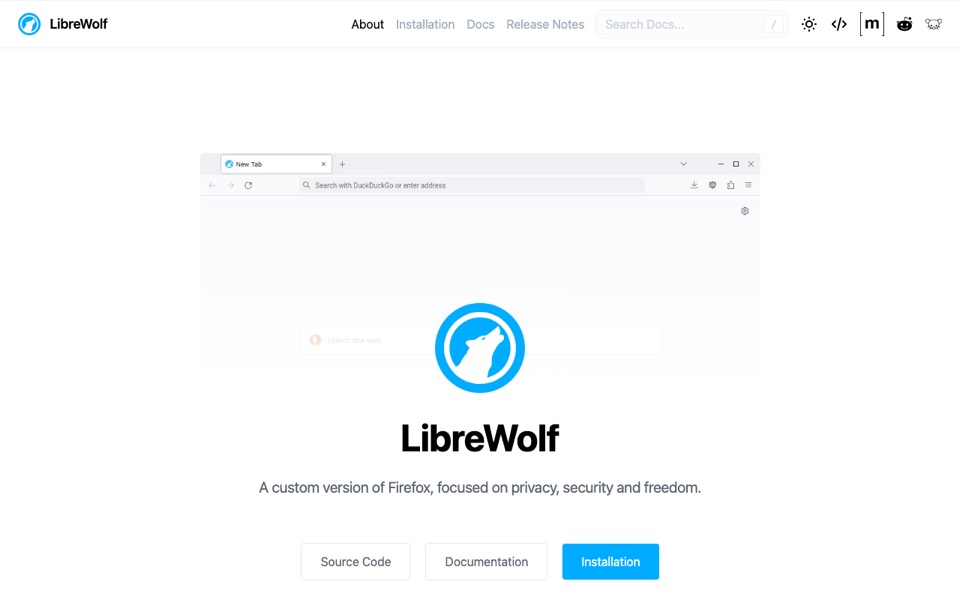
Most tracking happens in the browser. Brave blocks ads and trackers without any setup; LibreWolf is a privacy-focused version of Firefox for people who prefer it.


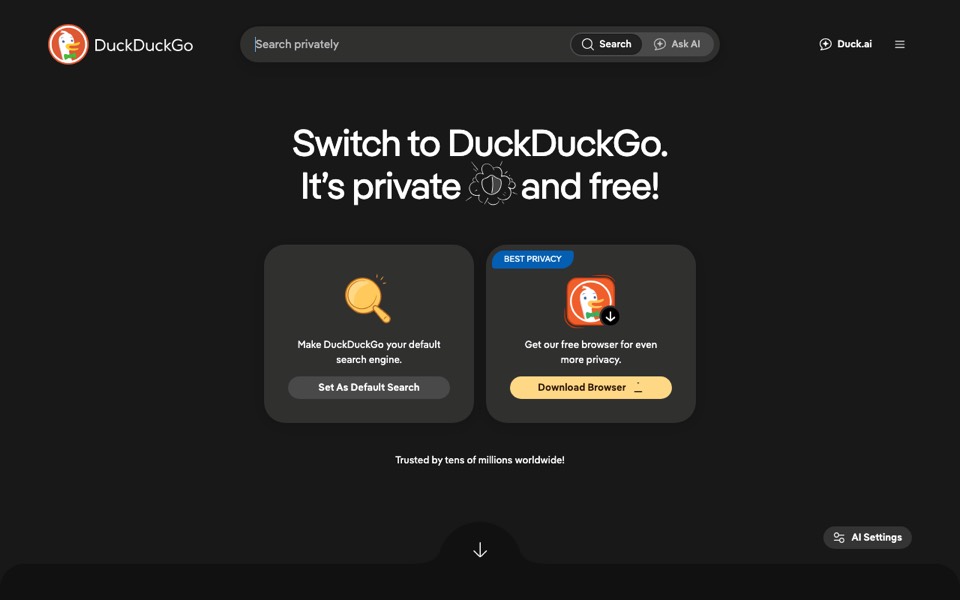
Day two: a search engine that doesn’t follow you
Make it the default in every browser you use, on your phone too.

Day three and four: mail and files
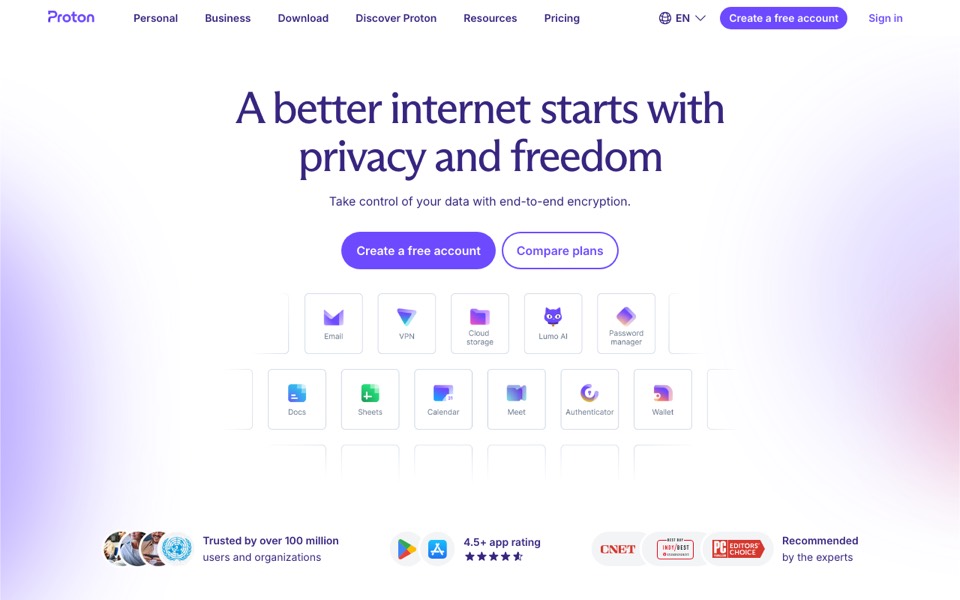
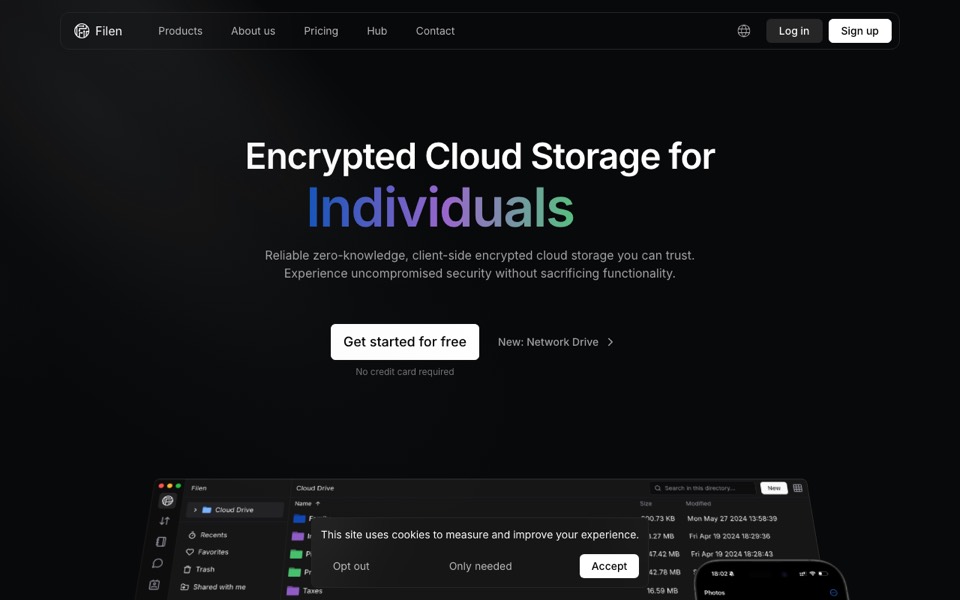
Moving email is the biggest step, so give it two days. Proton covers mail, calendar and storage under one account; Filen is encrypted cloud storage with a free tier. Start by forwarding your old address and changing logins over as they come up.


Day five: see what’s already out there
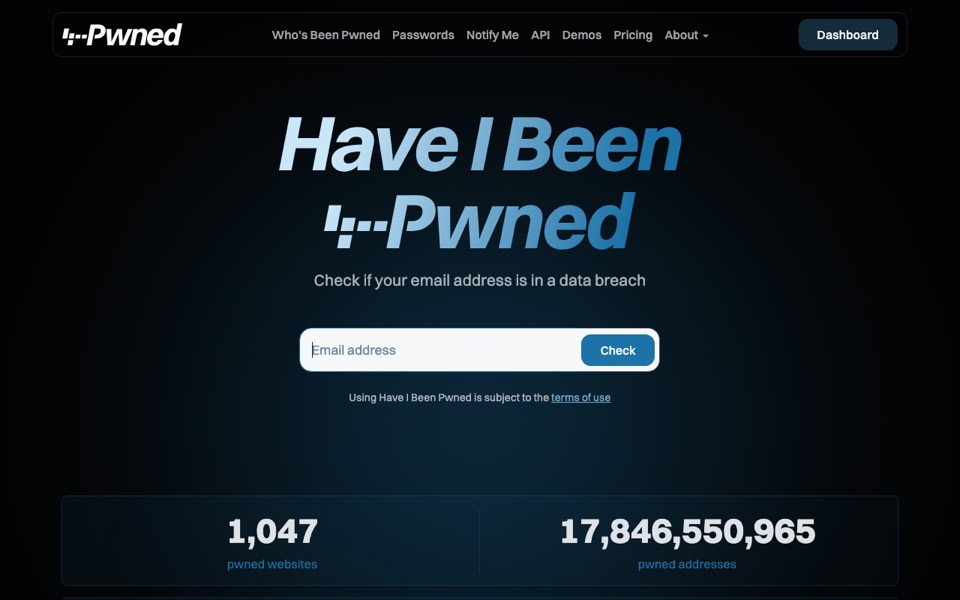
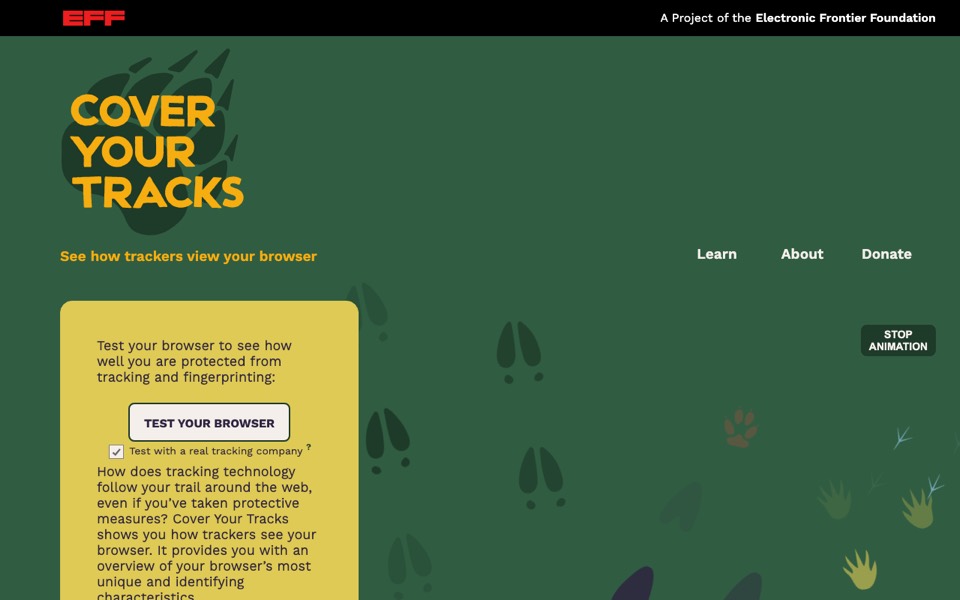
Check whether your email or phone number has appeared in a known data breach, and change the passwords of any accounts it names. Then run the EFF’s test to see how your browser looks to trackers now.


Day six and after: go further if you want to
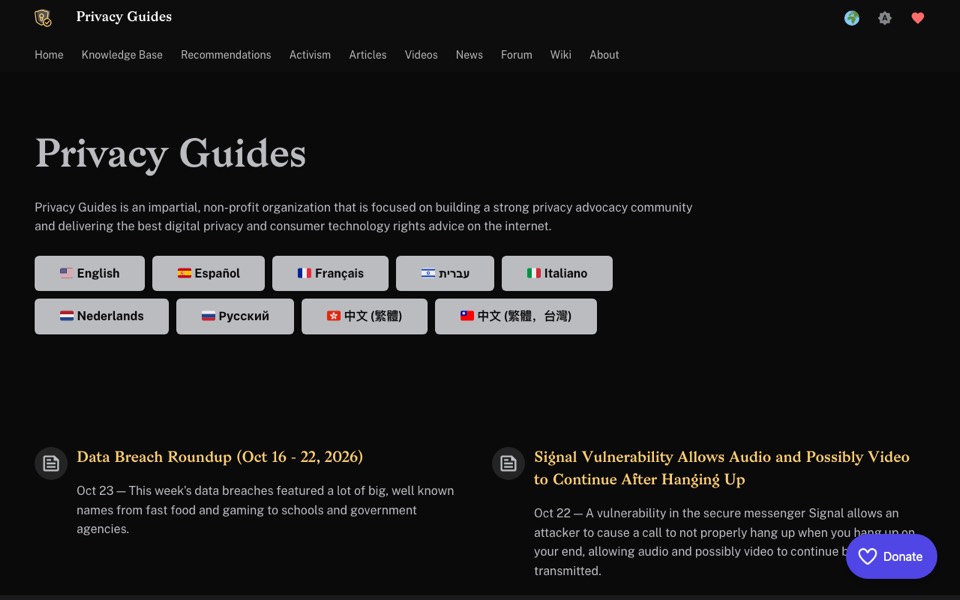
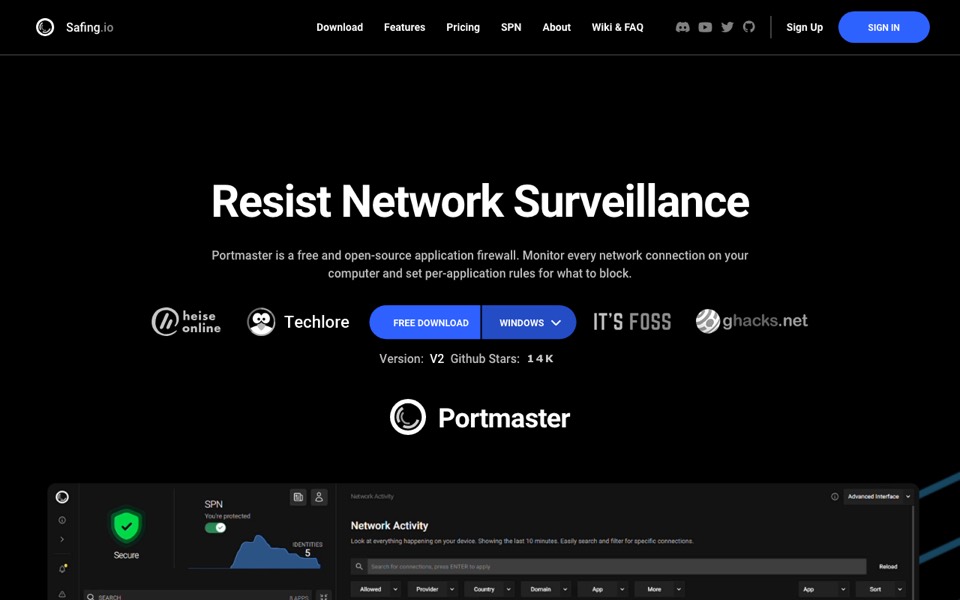
Privacy Guides is a non-profit that explains the options and their trade-offs without selling anything. Portmaster shows every connection the apps on your computer make, and lets you block them.