A small website, a portfolio, a landing page for a side project or a page for an event, doesn’t need a month. With the right tools it fits in a weekend, including the boring parts.
Saturday morning: pick a starting point
If you write code, Astro is built for content sites and sends very little JavaScript to the browser; Tailwind keeps the styling next to the markup, and shadcn/ui gives you components you own. If you’d rather start from a finished layout, Cruip and HTML5 UP have templates.

 AstroCode & BuildFreeA web framework for content sites that ships little JavaScript.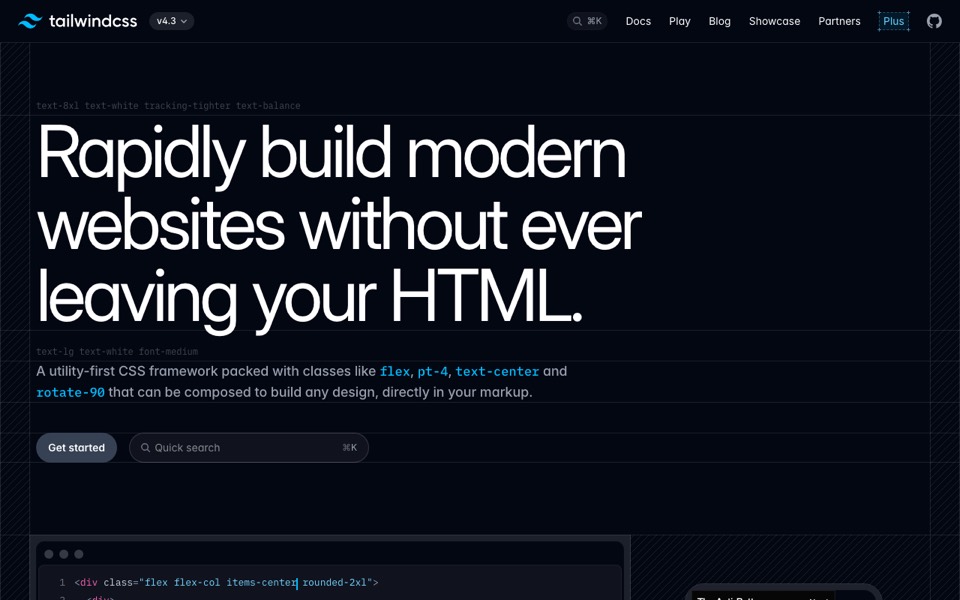
 Tailwind CSSCode & BuildFreeUtility-first CSS that keeps styles next to the markup.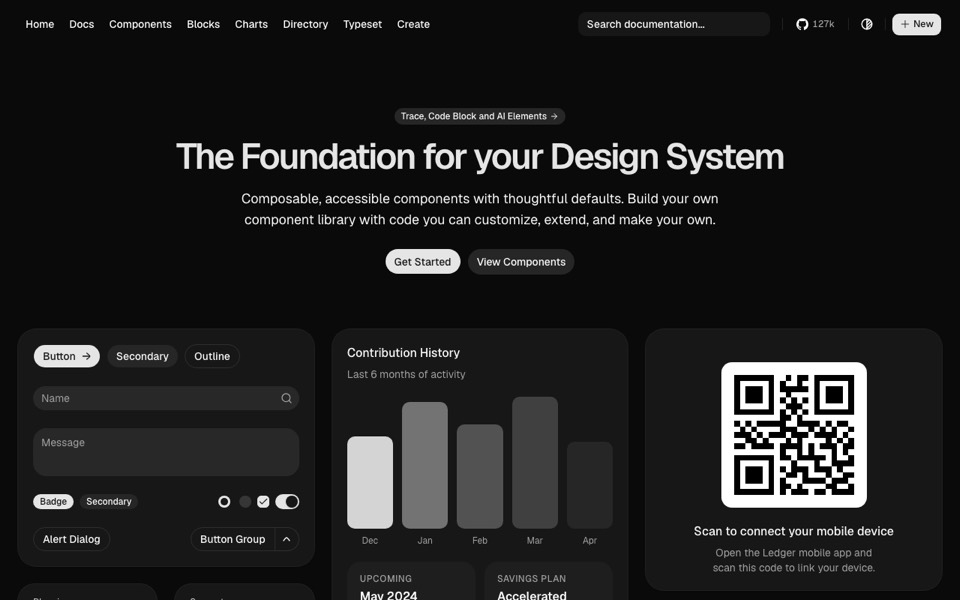
 shadcn/uiDesignFreeComponents you copy into your project and own, built on Radix.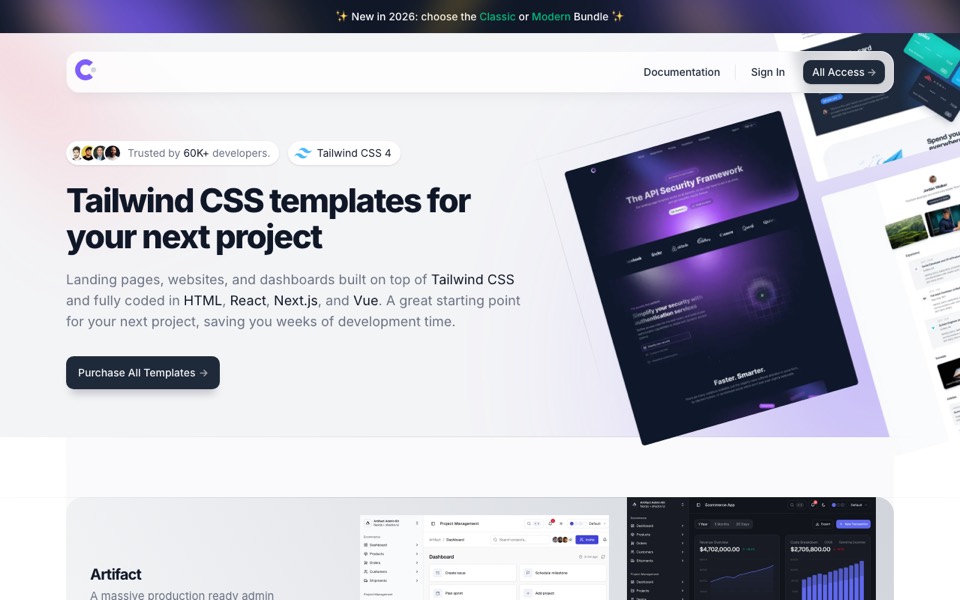
 CruipCode & BuildFreemiumTailwind CSS landing pages and templates in HTML, React and Vue.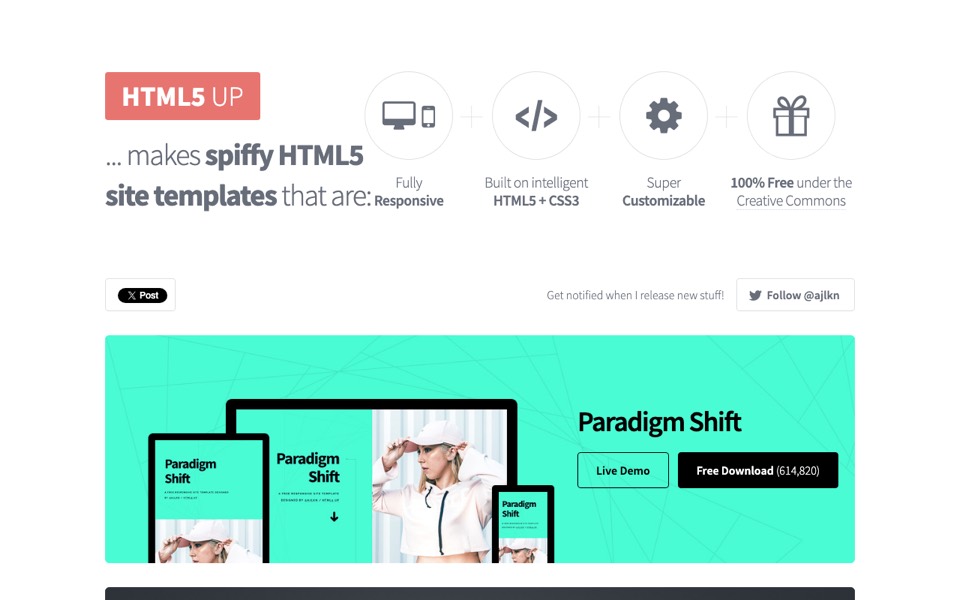
 HTML5 UPCode & BuildFreeFree, responsive HTML5 and CSS3 site templates by AJ.
Or build it visually
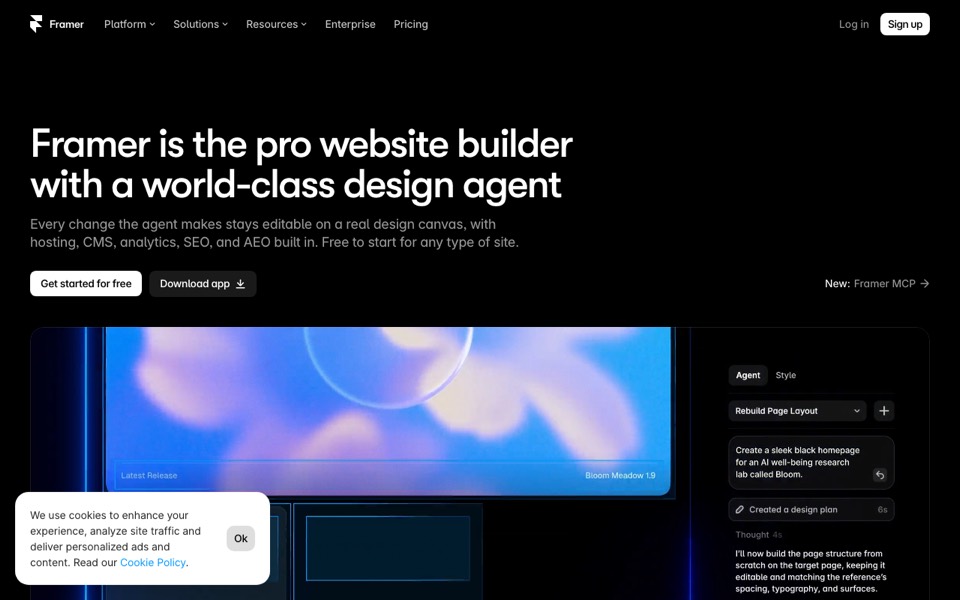
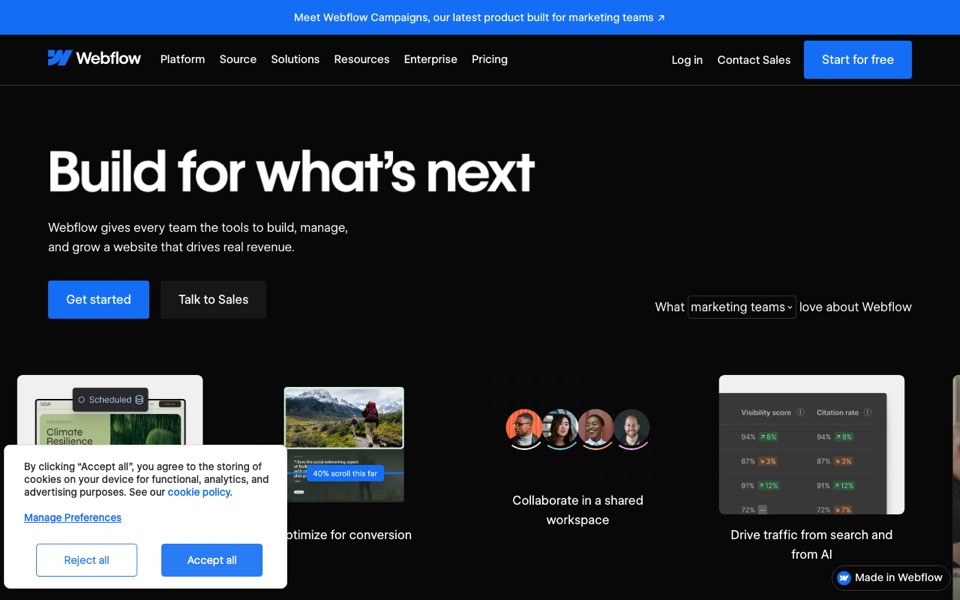
Framer and Webflow let you design and publish from one canvas, with hosting included, so you can skip the code entirely.


Saturday afternoon: make the images light
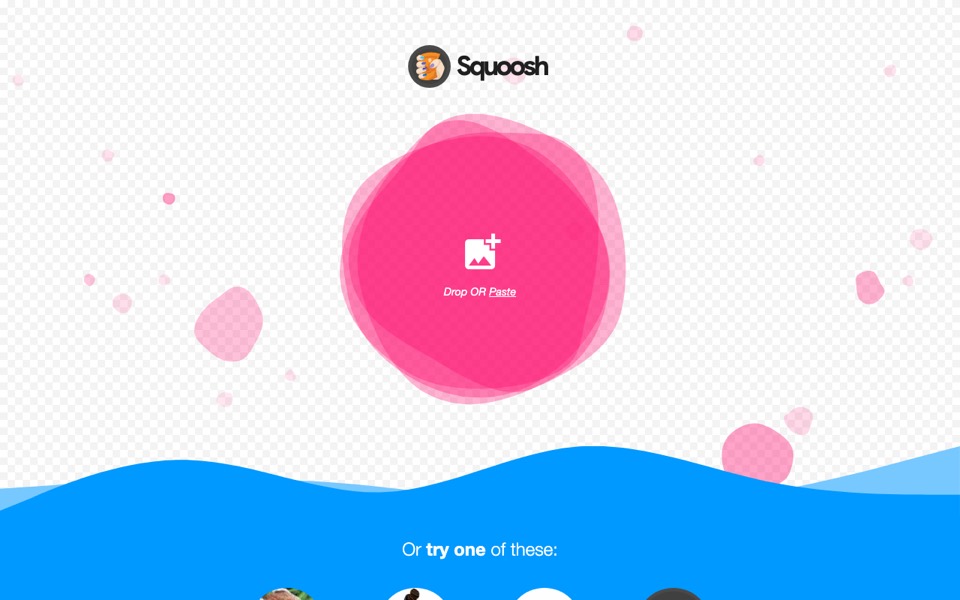
Large images are the most common reason a small site feels slow. Squoosh compresses them in the browser and shows the before and after side by side.

Sunday: put it online
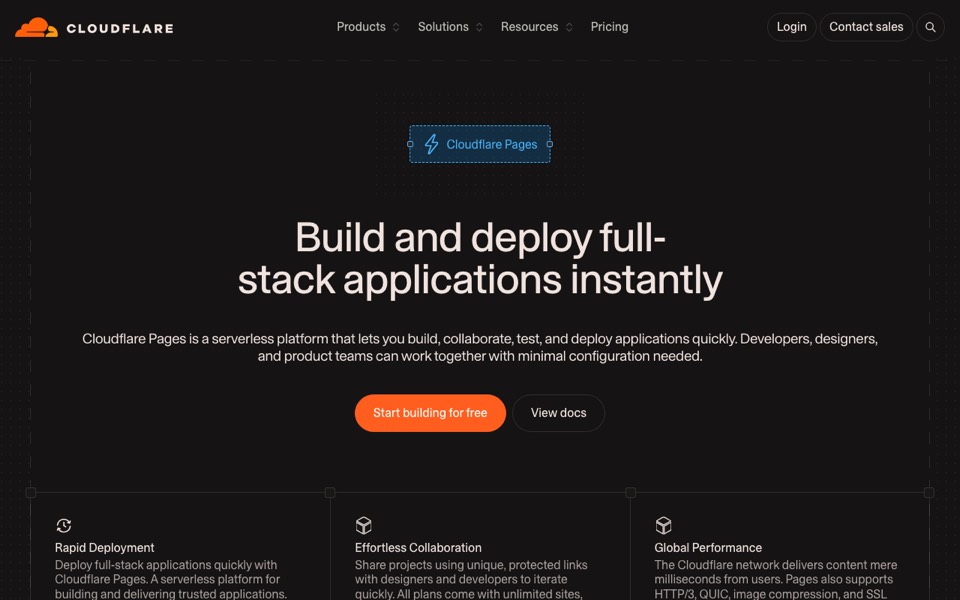
Netlify Drop takes a folder and gives you a live address with no account. Cloudflare Pages and Vercel connect to your code and publish every change.



Before you share the link
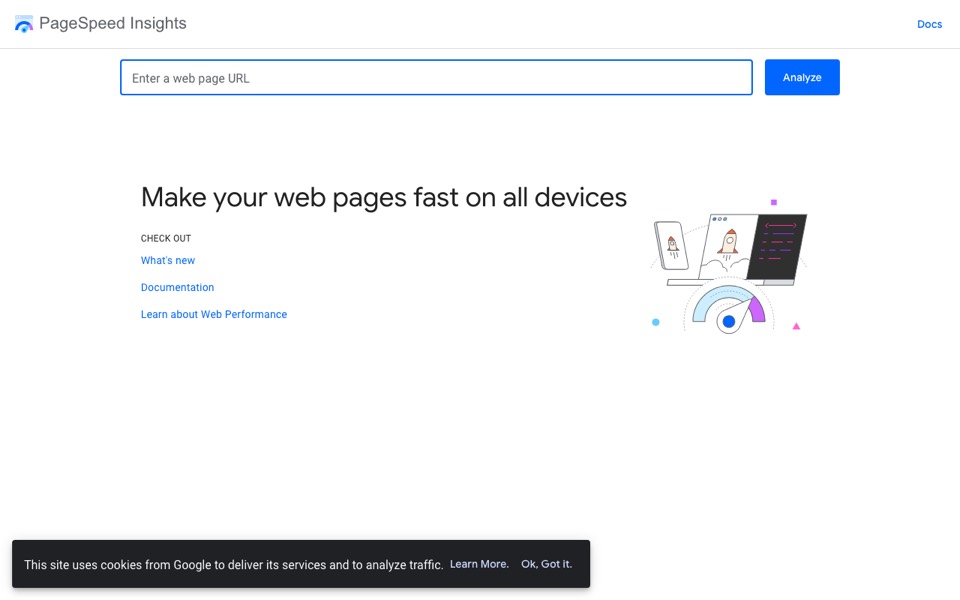
Run the page through PageSpeed Insights and fix the first two or three things it lists. Then open the site on your phone, because that’s where most people will see it first.