Picking colours is easy; picking colours that work together on a real page, in light and dark, with readable text, is the hard part. These tools each help with a different stage.
Get ideas
Coolors generates a palette every time you press the space bar and lets you lock the colours you like. Color Hunt has hand-picked palettes, and Huemint suggests palettes and shows them on brands and gradients.




See them on a page
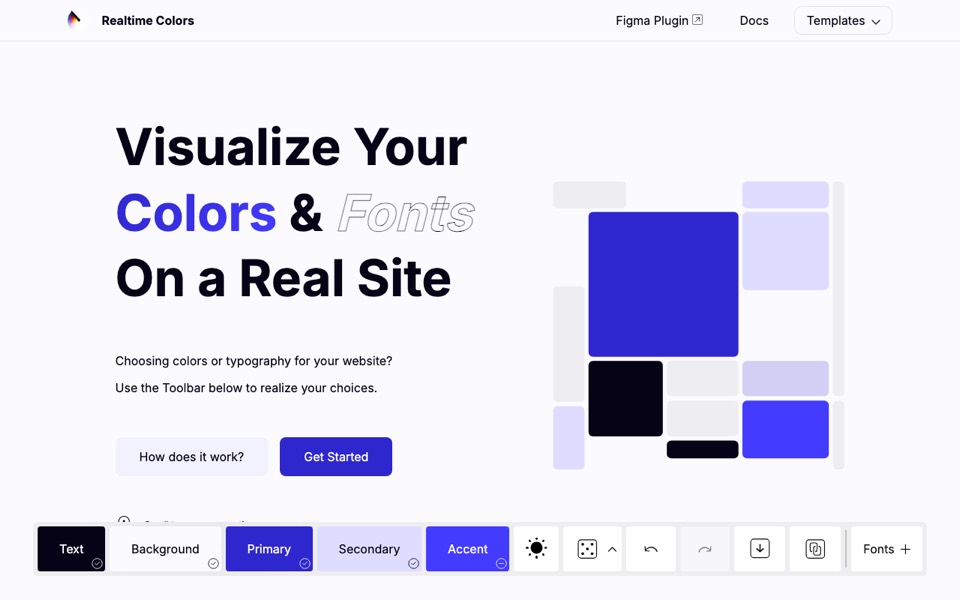
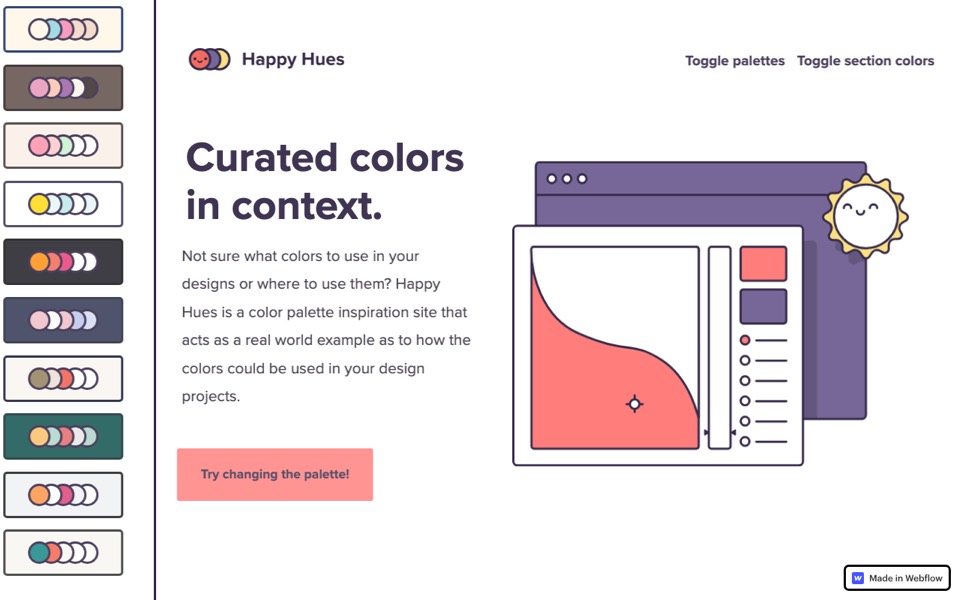
A palette in swatches can look nothing like it does on a site. Realtime Colors and Happy Hues show colours in their roles, as background, text and buttons, so you can judge them properly.


Make them work everywhere
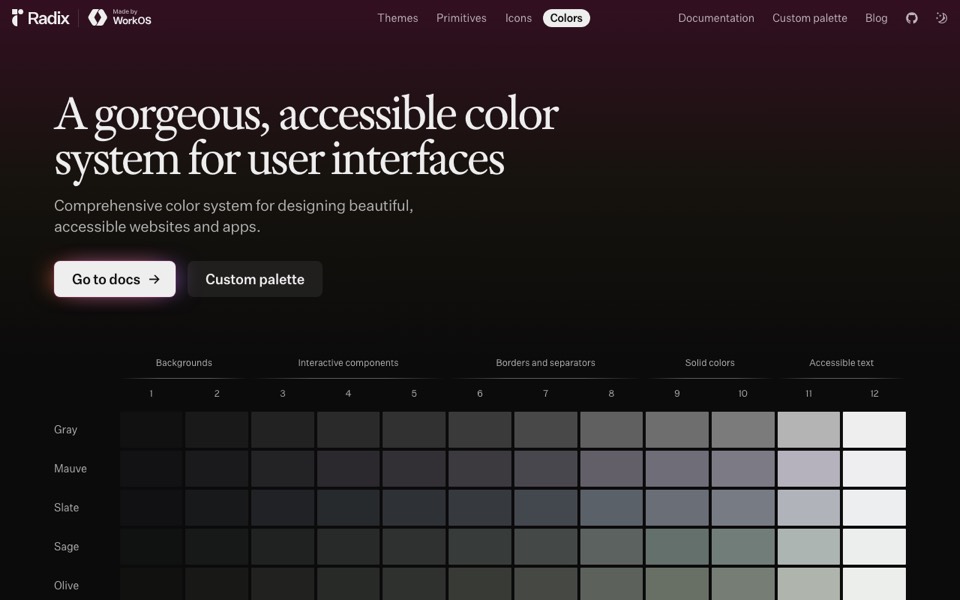
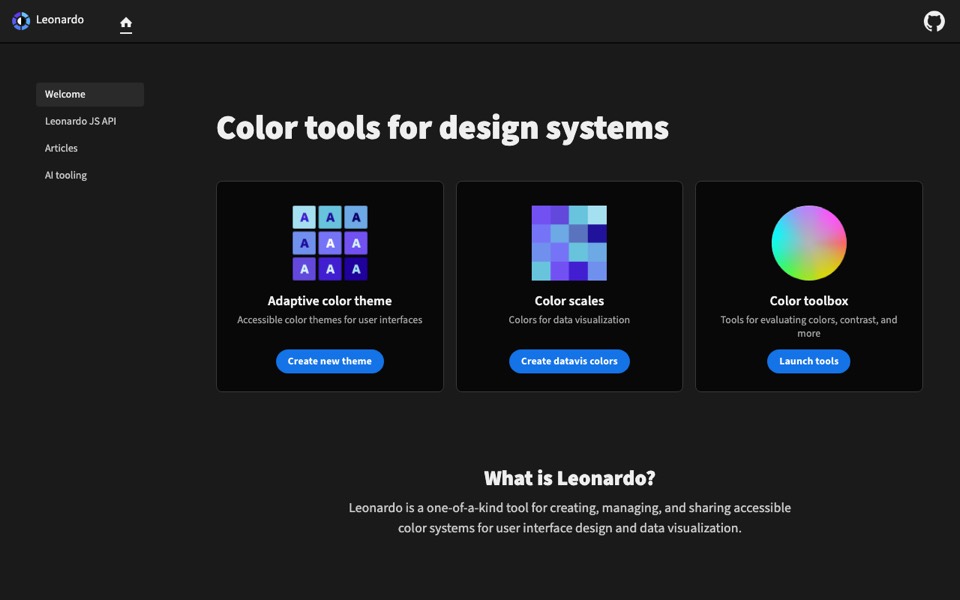
For an interface you need more than five colours: scales of lighter and darker steps, and a dark version. Radix Colors gives you twelve-step scales with dark mode built in, and Adobe’s Leonardo generates scales from the contrast you need, so text stays readable.